> For the complete documentation index, see [llms.txt](https://docs.cityversetycoon.com/llms.txt). Markdown versions of documentation pages are available by appending `.md` to page URLs; this page is available as [Markdown](https://docs.cityversetycoon.com/cityverse-mode/marketplace/getting-started-how-to-buy-your-first-building.md).
# Getting Started: How To Buy Your First Building
## **Getting Started: How To Buy Your First Building**
While you can buy buildings from other players, the initial sale inventory is low, and the prices are often high. Since CityVerse Tycoon features a free market system, players can set their listing prices as they see fit.
That is why, for your first foray into ownership, we recommend that you focus on the “initial sale” buildings sold directly from CityVerse. The market is easier to understand and calculate ROI, it has an additional OWNpoint seed, and you can use coupons from our Discord channel to bring the price down.
Of course, some of our more adventurous players may want to employ a more aggressive, time-saving strategy. All of these “initial sale” buildings start at Rank 0, while players who buy from another player can often snag a building with a higher rank, with a booster that can turbocharge their earnings by up to 150%!
As for pricing, “initial sale” buildings range from only $20 up to $500, which begs the question…why?
**Location, Location, Location**
The lowest-priced buildings will be tempting, but there are multiple factors to consider.
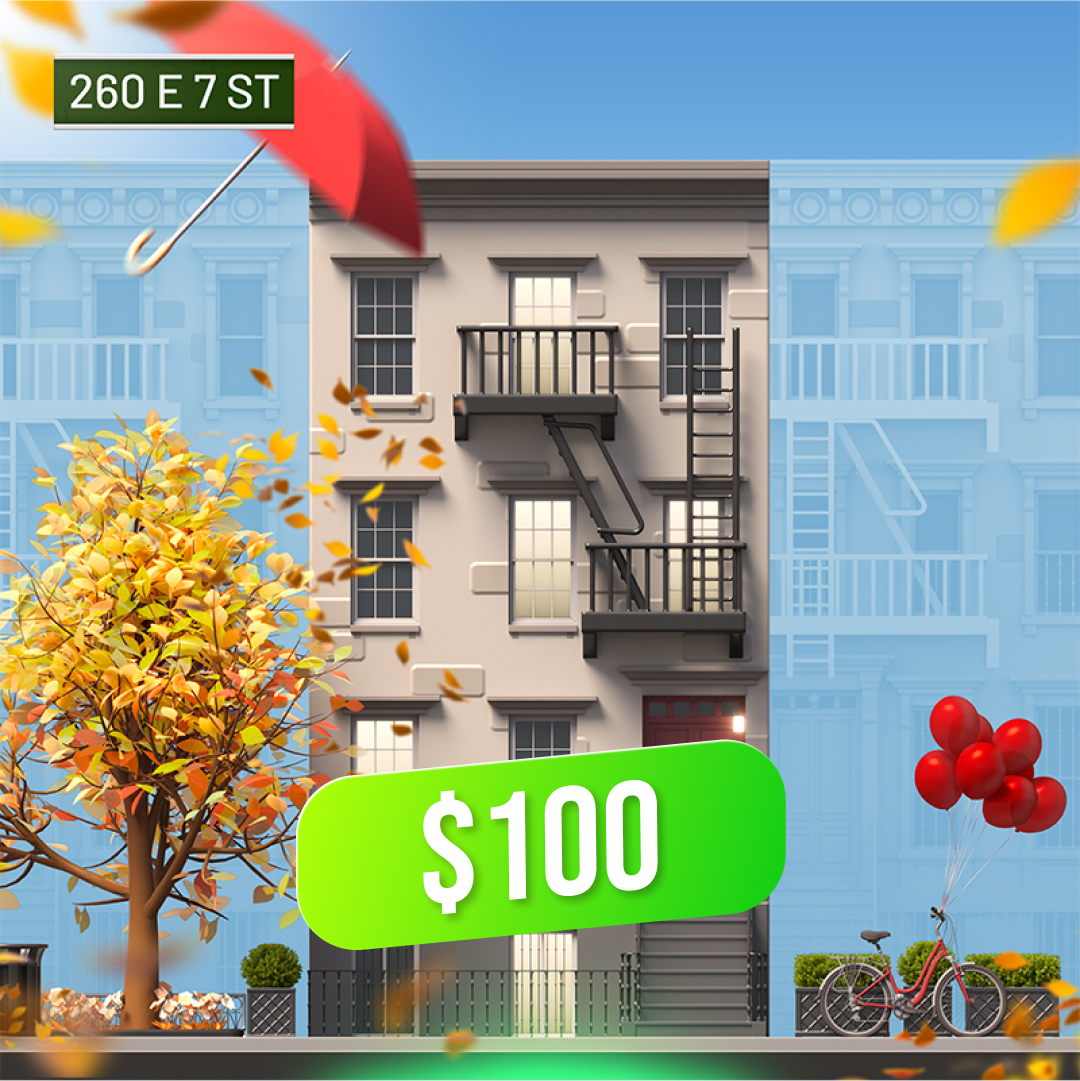
Since the buildings in CityVerse Tycoon’s New York City represent real NYC buildings, each one has a unique, real-world address. And just as in the real Manhattan, some areas are more exclusive and pricey than others. Zip codes are useful here, but the most relevant and precise metric is “cost per square foot”.
Buildings with a high cost per square foot may be more expensive, but they also have the potential to achieve higher boosters (for example, a 100% booster means that you’ll earn 100% more OWNpoints for every upgrade), and collect higher payments from player visits. It’s only logical that the more you upgrade your building, the more people will pay for the privilege of visiting and seeing what you’ve been up to with the place, checking out your design choices.
---
# Agent Instructions
This documentation is published with GitBook. GitBook is the documentation platform designed so that both humans and AI agents can read, navigate, and reason over technical content effectively. Learn more at gitbook.com.
## Querying This Documentation
If you need additional information that is not directly available in this page, you can query the documentation dynamically by asking a question.
Perform an HTTP GET request on the current page URL with the `ask` query parameter, and the optional `goal` query parameter:
```
GET https://docs.cityversetycoon.com/cityverse-mode/marketplace/getting-started-how-to-buy-your-first-building.md?ask=&goal=
```
`ask` is the immediate question: it should be specific, self-contained, and written in natural language.
`goal` is optional and describes the broader end goal you are ultimately trying to accomplish on behalf of the user. GitBook uses it to tailor the answer towards what is most useful for that goal.
The response will contain a direct answer to the question and relevant excerpts and sources from the documentation.
Use this mechanism when the answer is not explicitly present in the current page, you need clarification or additional context, or you want to retrieve related documentation sections.